















Top 7 Webflow Alternatives for Designers & Agencies in 2026


TL;DR
- Most agencies still choose Webflow for 80–85% of use cases because it balances design freedom, CMS power, and marketing team autonomy.
- As teams scale, complex content, integrations, and AI needs push designers to explore alternatives like WordPress, Builder.io, or Framer.
- ThunderClap is a premium Webflow partner and enterprise web design agency that has collaborated with 88+ B2B brands and completed 140+ projects.
- The global low-code market is projected to reach $101.7 billion by 2030, highlighting why no-code flexibility drives adoption of alternative platforms.
If you ask most designers or agencies what tool they trust for modern websites in 2026, Webflow still comes up fast. And for good reason. It gives designers real control, removes many developer challenges, and lets teams launch polished, high-performance sites without struggling with plugins or fragile setups.
But something has shifted.
Design teams are more mature. Agencies manage more sites at once. Clients ask sharper questions about ownership, cost, and long-term flexibility. Marketing teams want speed, but leadership wants systems that scale beyond launch week.
That tension explains why conversations about Webflow alternatives have become more thoughtful rather than reactive.
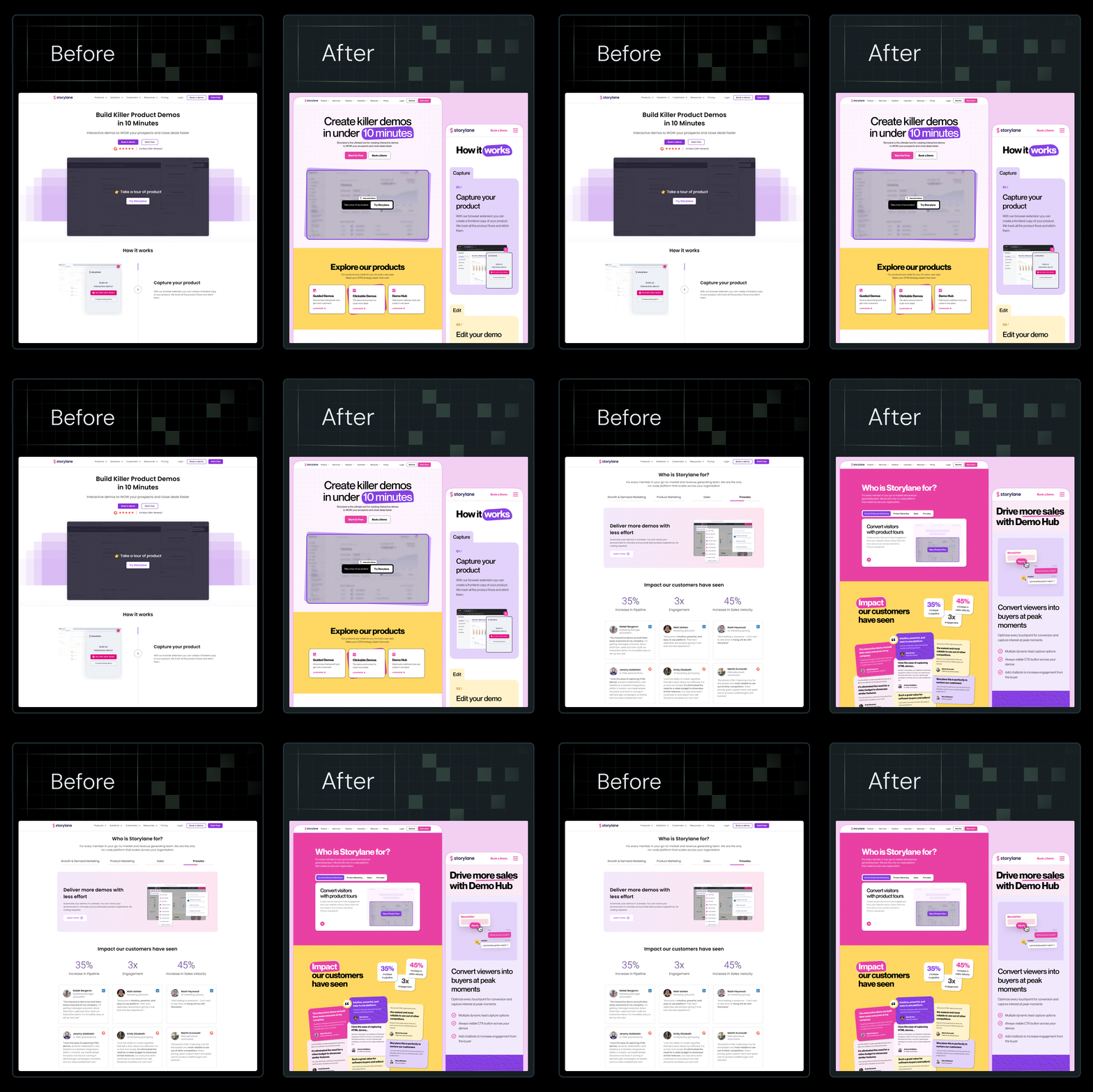
At ThunderClap, we want to be clear about our position up front. We primarily build on Webflow, not because it’s trendy, but because it consistently solves the most B2B problems well. We’ve rebuilt 129+ B2B websites for SaaS, fintech, and AI brands, including Amazon, Storylane, Factors, Deductive AI, roommaster, and Z47, on Webflow. Our conversion-focused, AI-ready sites prove that the right CMS delivers real business impact.
This guide will help designers and agencies understand when Webflow remains the best answer, when alternatives make sense, and how to evaluate both with confidence.
Why Designers & Agencies Look for Webflow Alternatives
Most designers do not wake up wanting to replace Webflow. They explore alternatives because real constraints show up as teams grow.
Let’s take a look at some of these challenges that urge teams to look for the best Webflow alternatives:
Rising demand for no-code flexibility
Many design and agency teams are exploring Webflow alternatives because no-code platforms overall are becoming core to digital delivery strategies. In fact, the global low-code market is expected to reach $101.7 billion by 2030, growing at a CAGR of roughly 28%.
Gartner predicts that 70% of new enterprise applications will use low-code or no-code technologies, as organizations work around traditional developer bottlenecks and talent shortages. This broad shift means teams compare tools not on hype, but on real structural fit.
Speed vs. integration challenges
Webflow remains strong on visual design and rapid delivery, but Webflow integrations with complex tech stacks drive agencies to look at other tools. In reality, most large enterprises run a mix of old and new systems.
A 2024 survey found that 64% of organizations rely on legacy platforms for at least 25% of their infrastructure, and many of those systems can’t connect to modern AI tools at all. These disconnected, “languishing” systems introduce hidden costs, from security vulnerabilities and compliance gaps to persistent integration headaches and technical debt.
Outdated infrastructure is widely cited as a barrier to innovation and compliance. Legacy applications are often tightly coupled, built on obsolete technologies, and require manual maintenance, with IT teams spending over 16 hours per week just keeping old systems running. As a result, enterprises facing advanced integrations or AI workflows often turn to custom development to bridge legacy systems with modern platforms, which is something no SaaS CMS can fully solve on its own.
Collaboration for bigger teams
In recent years, Webflow has improved its team collaboration features with real-time editing and shared workflows. However, some agencies still feel limited when managing multiple editors and content contributors.
According to Webflow’s 2026 State of the Website report, 73% of teams face technical barriers to integrating AI and collaboration tools within their platforms. That friction pushes teams to explore platforms that handle complex review and permissions more natively.
Ownership and headless architectures
Designers who work on product ecosystems often need complete control of data and frontend logic. For these teams, the debate is increasingly about Webflow vs WordPress and headless stacks.
WordPress with a modern headless setup, or other decoupled CMS systems, allows deeper customization of content structures and backend logic, which many agencies require for large client projects.
Agency cost pressures
Pricing is a growing concern for agencies managing multiple client sites, especially as platform costs scale with features, team seats, and export limitations. The total cost of ownership can rise quickly, often outpacing the value delivered. This causes agencies to explore alternatives that preserve design control without locking them into packaged builders.
As one G2 reviewer notes,
“I feel the pricing is very problematic. Generally speaking, the pricing has been consistently increasing year over year; no other website builders seem to upgrade their pricing at this rapid pace. This makes it very difficult for me to justify to my clients.”
This financial pressure frequently overlaps with deeper technical and strategic needs, particularly when clients require bespoke systems rather than off-the-shelf solutions.
AI and futureproofing
AI is fast becoming a core expectation from clients, not a niche add-on. According to the Webflow 2026 AI adoption report, 92% of technical leaders believe AI can unlock new productivity and innovation on their websites.
However, 95% report challenges to deploying it successfully with their current tooling. That makes some agencies test platforms with stronger AI building blocks or native automation to avoid future rewrites.
From our experience, Webflow handles 80 to 85% of agency use cases extremely well. It excels at marketing sites, landing pages, content-led B2B websites, and fast-moving teams. Most agencies do not move away from Webflow because it fails them. They explore alternatives after encountering edge cases, such as complex editorial workflows, deeply relational data, legacy system integrations, custom backend logic, or AI-heavy architectures.
In these scenarios, alternatives do not replace Webflow. They complement it by supporting needs that Webflow was never designed to own as a system-of-record.
{{specficBlog}}
What to Look for in Webflow Alternatives
When designers compare the best Webflow agencies, they often focus too narrowly on features. At ThunderClap, we evaluate platforms differently.
- Design control vs guardrails: Agencies need tools that give designers freedom while keeping projects stable. The right platform allows junior designers to work safely within the system without breaking layouts or workflows. Good guardrails protect both the site and the team.
- CMS flexibility and scalability: Can the content model grow without hacks? Agencies look for platforms that let non-technical teams manage content confidently and scale smoothly as the site or organization expands. Some of the key considerations include:
- Support for complex content structures
- Ease of use for non-technical editors
- Long-term adaptability
- Client handoff and editing experience: Can clients update content without fear? The ideal platform makes handoff intuitive. Clients should understand the editor after just one walkthrough and be able to make updates without breaking the site.
- Performance and hosting model: Does the platform deliver fast sites by default? Agencies prioritize performance and reliability. The tool should handle traffic spikes, maintain speed, and reduce stress on both developers and clients.
- Collaboration and permissions: Teams often work in parallel across design, editing, and marketing. The right platform lets all contributors coexist without conflict, with clear permission structures and workflow management.
- Long-term maintainability: Launch speed matters, but what happens six months later? Agencies check whether a site:
- Stays clean, predictable, and easy to extend over time
- Remains easy to extend or update as new features are needed
A platform that supports long-term maintainability reduces technical debt and keeps projects scalable.
📌Also read: Webflow vs Elementor: Which CMS is Better for B2B Websites?
Top 7 Webflow Alternatives for Designers and Agencies in 2026
Now, let's discuss the 7 best Webflow alternatives for designers and agencies in 2026 that deliver speed, flexibility, and control.
1. Framer
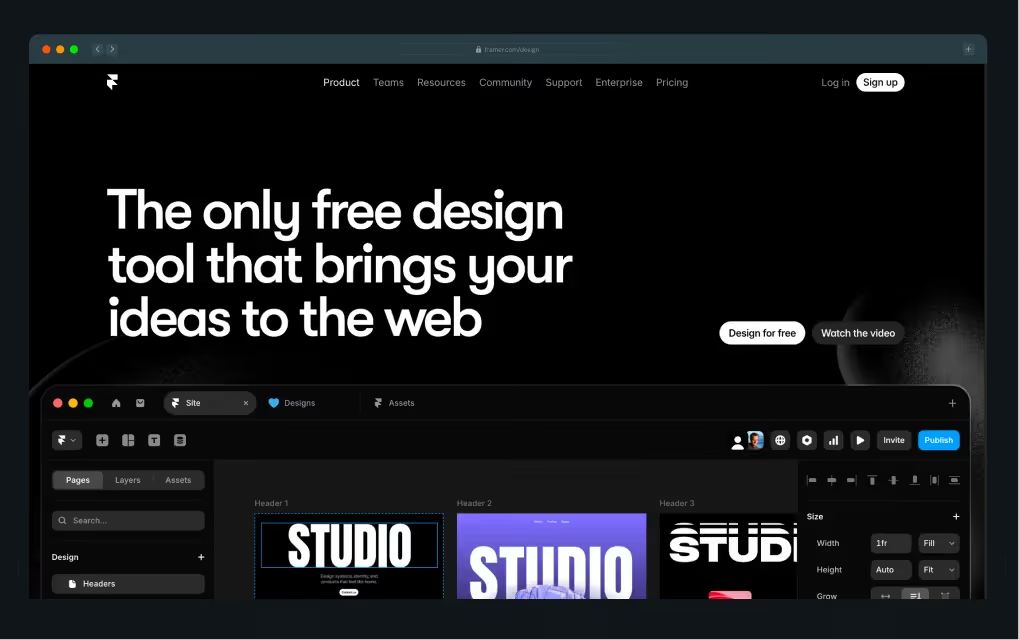
Framer is a visual site builder that prioritizes design freedom, real‑time collaboration, and smooth animations. It lets teams work together on the canvas in real time and build highly interactive pages without complex setup. Framer’s interface feels more like a design tool than a traditional builder, with intuitive layout controls and seamless Figma import.
It excels for teams focused on aesthetics and speed, but does not offer the deep CMS modelling, advanced content relationships, or structural content control that Webflow does. This makes it less suited to large, content‑heavy projects. Framer is ideal when you want fast execution on polished designs and team collaboration without the steeper learning curve of Webflow.
Best for: Design‑first interactive marketing sites and rapid iteration
Strengths
- Intuitive visual editor with real‑time collaboration
- Built‑in animations, interactions, and responsive layouts with Figma‑style controls
- Fast publishing and modern hosting
Trade-offs
- Framer’s CMS is lightweight and not built for content‑heavy sites or complex relational data like Webflow’s CMS
- It lacks native e‑commerce and deep extensibility
2. Webstudio
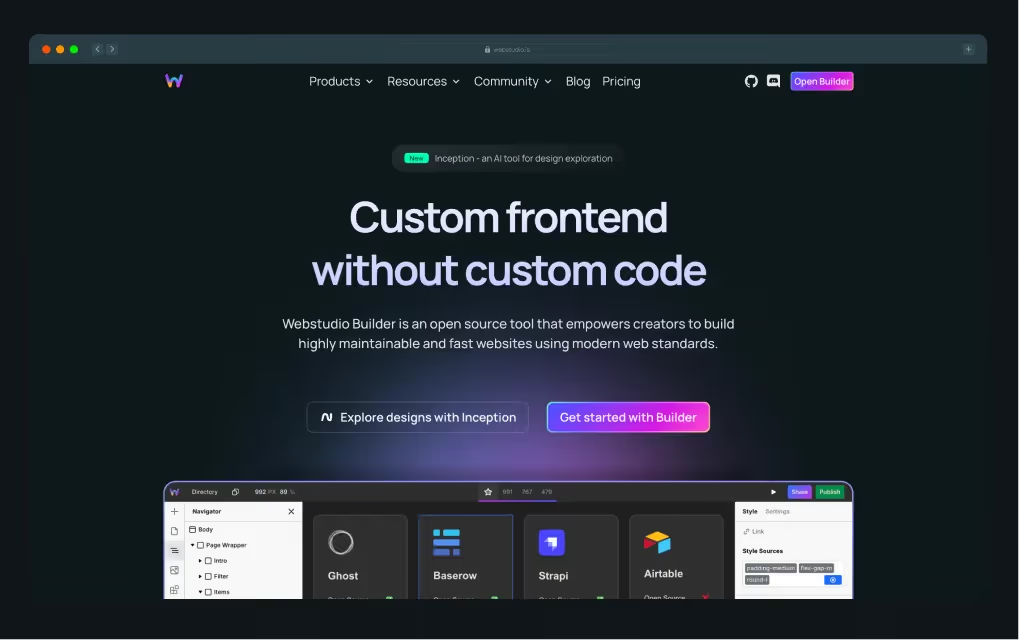
Webstudio is a visual frontend‑as‑a‑service platform that mirrors a Webflow‑like editing experience while being open source and backend‑agnostic. Designers and developers can visually create pages and self‑host them or integrate them with any backend, rather than being tied to a proprietary ecosystem.
This is a significant difference from Webflow’s hosted SaaS model, as Webstudio gives teams complete control over output and hosting without vendor lock‑in. Webstudio’s visual tooling is still maturing, and its ecosystem is smaller than Webflow’s, but its openness and code ownership solve a real concern many agencies have with hosted builders.
Best for: Agencies seeking a Webflow‑style visual dev environment without lock‑in
Strengths
- Own your data, components, and infrastructure with the open-source visual builder
- Self‑host or connect any backend or headless CMS you want with no vendor restrictions
- Craft responsive layouts with full CSS control in a visual canvas
Trade-offs
- Webstudio’s ecosystem is smaller and less mature
- Advanced CMS and e‑commerce features may need to be built or integrated separately
3. WordPress
.avif)
WordPress remains the most widely used CMS globally, and its modern stack (especially when paired with headless or page‑builder tools) gives agencies unmatched control over content structures, SEO, and extensibility. WordPress lets you build hierarchical content types, use custom taxonomies, and leverage a vast plugin ecosystem tailored to complex editorial needs.
While Webflow combines visual design with its own CMS, WordPress separates presentation, content, and backend logic, giving developers ultimate flexibility. That means more setup and maintenance work, but it also means fewer platform constraints on custom workflows, multilingual content, or deep SEO optimization.
Best for: Content‑heavy, SEO‑driven sites and high‑flexibility publishing
Strengths
- Leverage WordPress’s huge plugin ecosystem to add virtually any feature
- Control hosting, SEO, user roles, and database structure
- Combine WordPress with modern builders like Elementor or Divi
Trade-offs
- Requires monitoring security, as it depends on hosting and plugin management
- Needs developer support to use advanced functionality and SEO
4. Builder.io
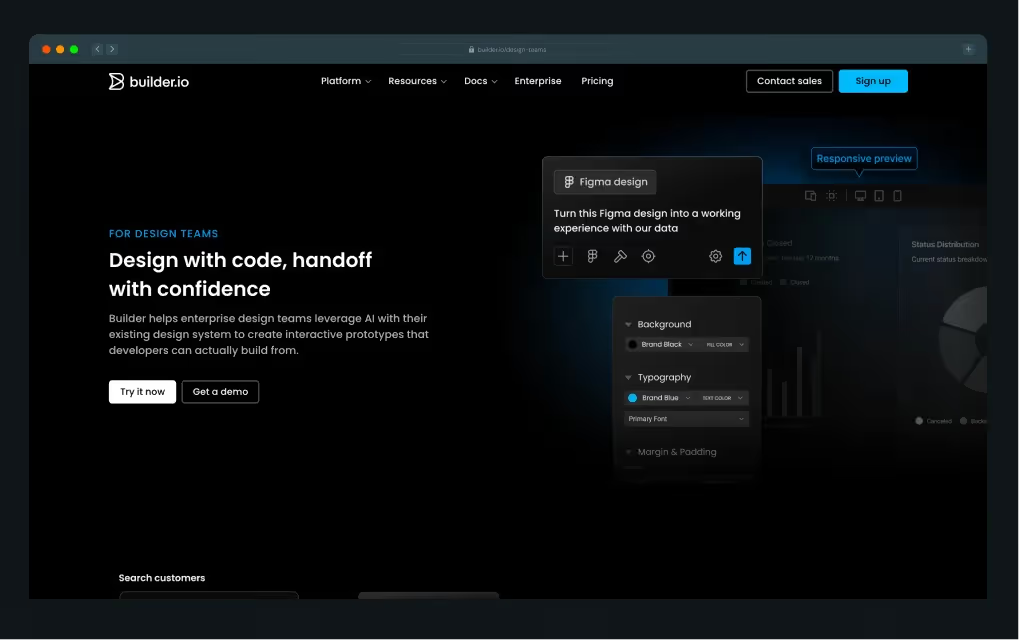
Builder.io is a visual headless CMS and development platform that lets designers and marketers drag and drop content while developers define reusable components, APIs, and data models. It differs from Webflow by decoupling content from presentation: content is served via APIs and can be used in any frontend framework (Next.js, React, Vue, etc.).
It balances visual editing with code integration, so teams can visualize and edit content directly within the context of their app or website rather than in a siloed CMS. This makes it powerful for enterprise or complex digital experiences that need both consistency and custom technical workflows.
Best for: Headless implementations and custom frontend teams
Strengths
- Combines visual editing with a headless CMS approach
- Define custom components and APIs, and use the visual UI to manage content
- Reuse content across the web and other digital experiences with headless architecture
Trade-offs
- More complex to build and maintain the custom frontend
- Requires more developer support and technical overhead on initial setup
5. Typedream
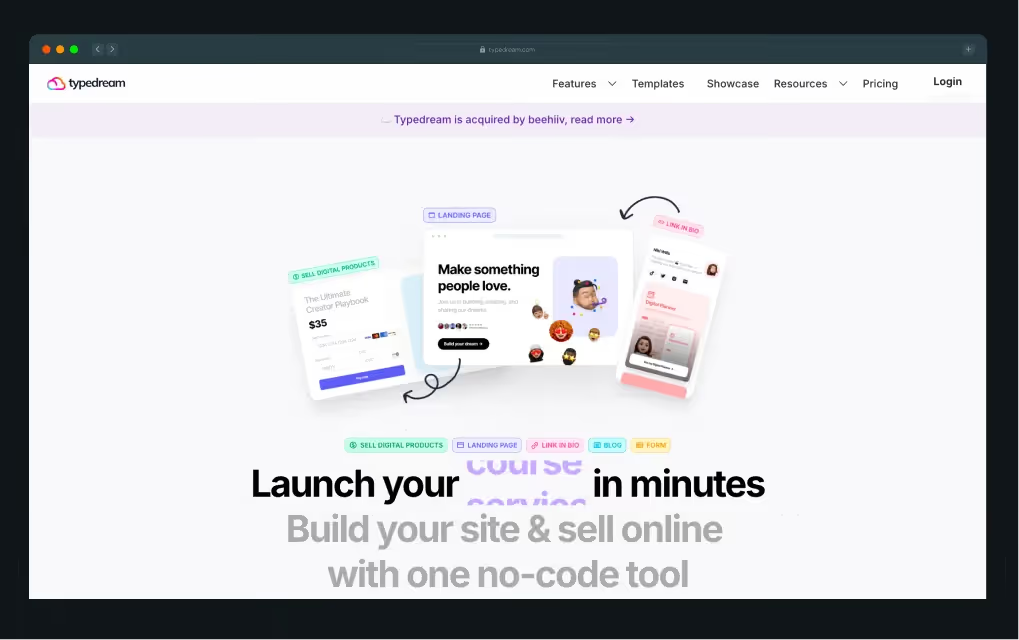
Typedream is a no‑code website builder built for simplicity. It offers a Notion‑style editor and a block‑based interface that lets users quickly create landing pages, blogs, and small product sites without wrestling with complex layout systems. It automatically handles hosting and SSL, and it provides basic SEO and dynamic content features suitable for early‑stage or simple projects.
The platform’s biggest difference from Webflow is its emphasis on ease of use over configurability. There’s far less granular control over layout or CMS depth, meaning it’s not ideal for agencies or projects requiring complex data structures or advanced interactions.
Best for: Solo founders, quick MVPs, and simple web presences
Strengths
- Exceptionally simple editor inspired by Notion
- Launch basic marketing sites and portfolio pages fast
- Integrations like Notion sync make content updates familiar and fast
Trade-offs
- Typedream’s customization and layout control are limited
- Lacks first‑party e‑commerce and robust editorial workflows for agency needs
6. Squarespace
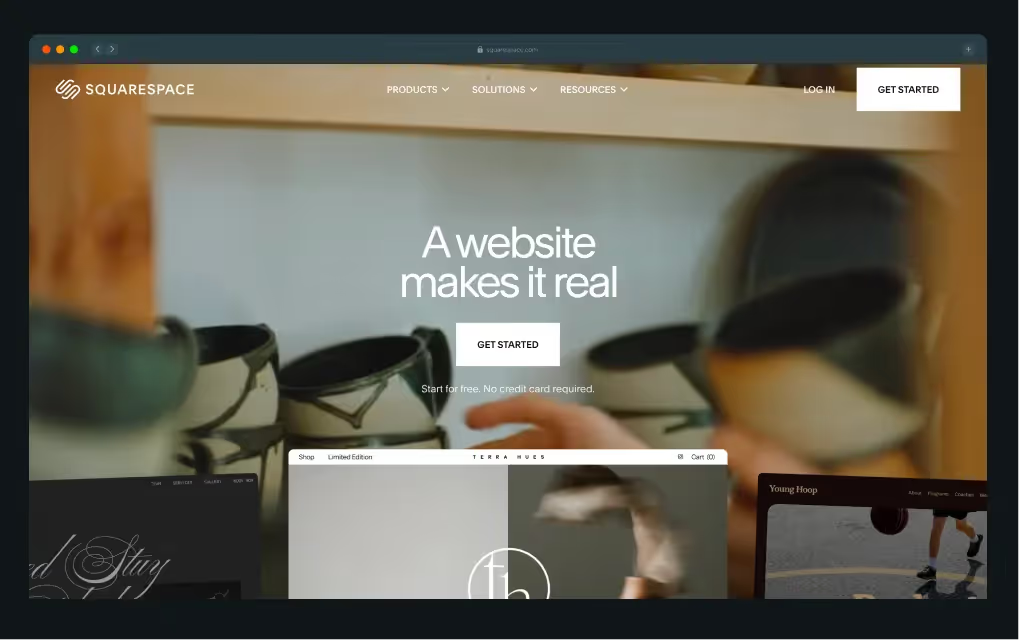
Squarespace is a fully hosted builder that focuses on beautiful templates, ease of use, and all‑in‑one features such as integrated blogging and ecommerce. The platform gives users solid, built‑in SEO tools and responsive designs with minimal setup, and it is generally easier to learn than Webflow.
Compared to Webflow’s designer‑controlled layout system, Squarespace relies on structured templates and style options, so customization stops short of pixel‑perfect control. For agencies building small business sites or brochure experiences where speed and simplicity matter more than advanced interactions or bespoke layouts, Squarespace is a solid choice.
Best for: Low‑maintenance brochure sites and integrated ecommerce
Strengths
- Beautiful, polished templates and all‑in‑one hosting
- Built‑in blogging and basic SEO tools make it easy for small businesses
- Users rarely need technical support to get a site live
Trade-offs
- Integration options and advanced features are limited
- Not built for large CMS structures or custom content experiences
7. Contentful
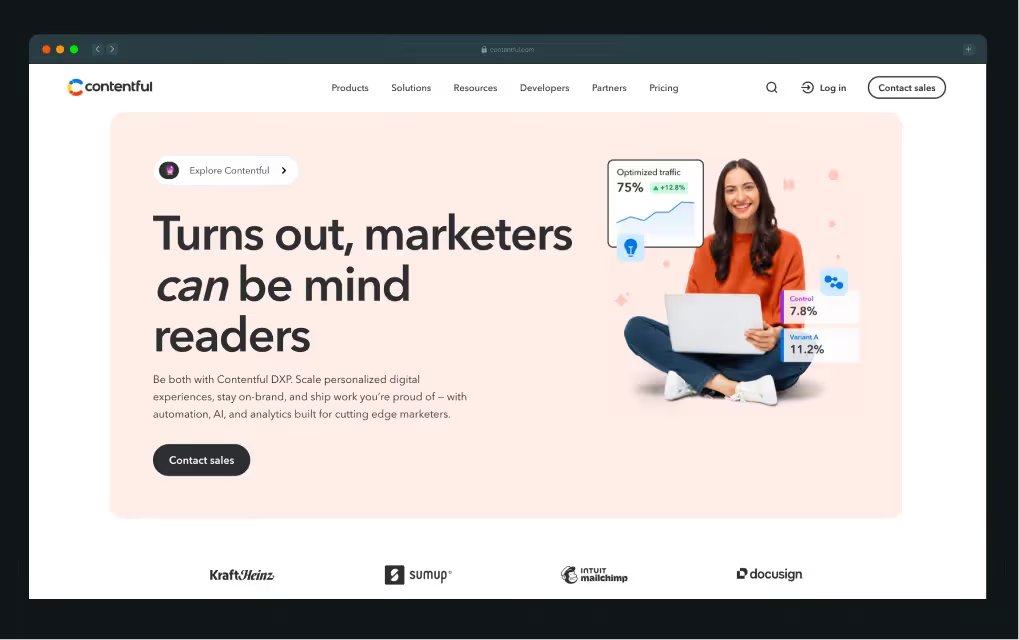
Contentful is a headless CMS designed to manage structured content at scale for large organizations. It stores and delivers content via APIs, allowing developers to build frontends in any framework they choose (React, Next.js, mobile apps, IoT, etc.).
Unlike Webflow’s coupled design and CMS model, Contentful completely isolates content from presentation, allowing teams to integrate with complex data sources, omnichannel experiences, and enterprise workflows. This makes it a go‑to choice when Webflow’s built‑in CMS cannot handle the scale or complexity of an enterprise content strategy, or when a unified backend is needed across multiple digital properties.
Best for: Enterprise platforms and highly customized content ecosystems
Strengths
- Enable content reuse across web, mobile, apps, and more
- Scale for large organizations with complex governance and multi‑region needs
- Get support for omnichannel experiences and future‑proof strategies with structured content models
Trade-offs
- Contentful does not include a visual website builder
- Demands developer support and longer implementation cycles
📌Suggested read: 7 Best Webflow Web Design Agencies in 2025
Webflow vs Webflow Alternatives: A Practical Comparison
To help agencies see where Webflow stands and when alternatives might make sense, we’ve compared key dimensions of website building and management across platforms.
Webflow vs Webflow Alternatives: Quick snapshot
When We Recommend Webflow (& When We Don’t)
Choosing the right website platform can make or break a marketing team’s efficiency, site performance, and ability to scale. Webflow often hits the sweet spot, but some projects require its alternatives.
Understanding when to use each approach ensures teams stay productive and websites remain future-proof.
When we recommend Webflow
We recommend Webflow when:
- Marketing teams need independence to update content without developer bottlenecks
- Sites must scale efficiently while maintaining high performance
- Design quality and brand consistency are critical
- CMS needs are structured but flexible, supporting multiple content types
- Agencies manage multiple client sites and require repeatable workflows
Webflow balances control, speed, and maintainability, making it our default choice for most B2B marketing websites.
At ThunderClap, we saw these advantages play out with roommaster, a property management platform with complex CMS needs. Their previous WordPress site required developer involvement for every content update, slowing marketing workflows.
{{specficService}}
Here’s what we did for them:
- Migrated 40+ pages and multiple CMS collections to Webflow in six weeks
- Created reusable form components integrated with Salesforce, UTM tracking, Chili Piper, and analytics
- Implemented structured content hierarchy, cleaned categories/tags, and handled 97 SEO-conscious redirects
As a result, marketing teams now update content independently, launch new pages quickly, and maintain brand consistency.
As Qamar Aziz, Webflow Lead & GSAP Developer at ThunderClap, noted:
“roommaster’s marketing team struggled with updating content quickly because every new page required developer intervention. By moving to Webflow, we were able to implement global classes and reusable components, so the team could launch new property and campaign pages without risking brand inconsistency.”
While Webflow meets the needs of most marketing teams, there are situations where other platforms may better serve a project’s requirements.
When we consider alternatives
We recommend exploring other platforms when:
- Content models are highly complex and relational
- Headless architecture is mandatory for multi-channel delivery
- Full ownership or custom infrastructure is required
- Product UX goes beyond standard marketing needs and requires bespoke interactions
Alternatives are most useful for enterprise setups or projects with specialized technical demands where Webflow’s all-in-one approach may be limiting.
Amidst this, it’s important to note that tools don’t win projects. Fit does. Webflow just happens to be the best fit most of the time.
📌Bonus read: 10 Best Webflow Agencies in India
Tool Choice is Strategy, Not Preference
Webflow remains a powerful default for designers and agencies in 2026. Alternatives exist for valid reasons, not trends. The strongest agencies stay tool-agnostic but principle-driven.
At ThunderClap, we promise to choose the stack that scales your business, not ours. As a premium Webflow Enterprise Partner and web design agency, we’ve collaborated with 88+ brands and completed 144+ projects. Our Webflow services include:
- End-to-end design, development, and website migration
- SEO optimization, content strategy, and CRO integration
- Brand identity, mood boards, and UI/UX design
- Flexible offerings, including standalone services or fully custom packages
We also include free 30-day post-launch support with 24/7 assistance to ensure smooth operation. Our process integrates copywriting and conversion optimization: discovery calls to finalize strategy, blueprints and wireframes, high-fidelity mockups, and, finally, the implementation of scalable, brand-consistent websites.
However, the right platform is the one that fits your goals, not the one your team prefers. That’s why every project starts with understanding your business needs first.
If you’re evaluating Webflow or alternatives for a 2026 build, we’re happy to help you choose based on your goals. Book a demo today to learn more!
{{ctaBlock}}
FAQs
1. What are the most affordable alternatives to Webflow?
Squarespace, Typedream, and Webstudio are among the most budget-friendly alternatives. They offer quick setup, template-driven designs, and low maintenance costs. While they may lack Webflow’s advanced CMS and integration flexibility, they work well for small marketing sites, MVPs, and solo founders seeking speed and simplicity.
2. What are the most important features to compare when choosing a Webflow alternative?
Some of the key features to consider when evaluating a Webflow alternative include CMS flexibility, design freedom, team collaboration, scalability, hosting performance, and total cost of ownership. Teams should also consider marketing autonomy, integration with legacy systems, and future-proofing for AI or headless architectures to ensure the platform meets both current and long-term business needs.
3. What is the best Webflow alternative for SaaS and B2B websites?
WordPress, Builder.io, and Framer are popular alternatives to Webflow for SaaS and B2B projects. They support complex content structures, headless architecture, and integrations. For enterprise-scale design and development, ThunderClap remains the top Webflow partner, delivering scalable, high-performance websites tailored to SaaS and B2B marketing needs.
4. Are Webflow alternatives scalable for large websites or high-traffic projects?
Many alternatives, such as WordPress, Contentful, and Builder.io, scale effectively for large sites and high-traffic projects. However, scalability often depends on hosting, CMS architecture, and custom development. Webflow efficiently covers 80–85% of agency use cases, while alternatives are best for edge cases requiring complex integrations or headless setups.



.webp)
Browse Similar Articles




Leading 5 SaaS Branding Agencies in Florida (That Actually Understand SaaS Growth)

.svg)

How to Turn Your B2B Website into a Self-Serve Growth Engine? (PLG Ready in 2026)


9-Step Website Copy Audit Checklist to Improve Conversions (Examples from Top B2B Brands)

.webp)

How to Choose the Right Fintech Web Development Company for Your Business
Top B2B Website Design Principles That Turn Visitors into Qualified Leads

%20Audit%20That%20Actually%20Improves%20Revenue.webp)
How to Do a Conversion Rate Optimization (CRO) Audit That Actually Improves Revenue
Web Design Agency vs. Freelancer vs. In-House: What Actually Works in 2026

5 CRO Agencies in London and How to Choose the Best CRO Agency for Your Business

The Ultimate Fintech B2B Positioning Guide for 2026 (That Actually Drives Conversions)
Mapping the B2B Buyer Journey to Improve Conversions Across Every Touchpoint
.webp)
7 Best Website Maintenance Companies in India for Growth-Led B2B Teams (2026)

.webp)

8 Best Healthcare Website Design Agencies for HIPAA-Compliant Sites in 2026

How to Find the Best Web Design Company in Houston, Texas for B2B Brands (6 Best Picks)

Positioning That Wins: How to Make Complex B2B Products Clear and Compelling
The Step-by-Step Website Redesign Process B2B Teams Use to Increase Conversions (Without Killing SEO and Pipeline)

7 Best Video Production Agencies for SaaS Product Walkthroughs and Feature Videos

How to Choose the Best B2B Website Maintenance Company: 9 Questions to Ask Before You Hire One


How to Choose a Web Design Company in San Francisco in 2026 (with Examples)

10 Best Web Design Companies in Florida in 2026 and How to Choose the Right One

How to Use Brand Storytelling on Your Website to Close More B2B Deals and Build Buyer Trust

SaaS CRO Best Practices: What High-Growth Brands Do Differently to Win Conversions

How a Rebranding Agency Can Redefine Your B2B SaaS Identity and Boost Pipeline
B2B Marketing Trends in 2026 That Directly Influence Pipeline and Revenue

Top 7 Video Marketing Agencies Driving B2B SaaS Brand Awareness in 2026

Why Partnering with a B2B Brand Positioning Agency Accelerates Market Differentiation

The Complete Website Redesign Checklist for B2B SaaS Teams Ready to Scale
.avif)
9 Best Webflow Development Agencies in India for 2026 (In-Depth Review)

10 Product Marketing Companies Powering the Fastest-Growing SaaS Brands in 2026
Website Copywriting Services vs In-House: What's Right for Your Business?


How to Choose a Marketing Agency That Understands B2B SaaS Growth Metrics


How to Choose a Video Marketing Agency That Understands B2B Storytelling

Outsourcing Web Design: Cost-Benefit Analysis for Mid-Market & Enterprise Brands

From Leads to Lifetime Value: How Growth Marketing Agencies Scale SaaS Revenue

Build a B2B Website Strategy That Aligns with Sales and Marketing Goals
Webflow vs WordPress: Which Platform Is Better for Your Business Website in 2026?
Fintech Web Design That Builds Trust: 8 UX Principles Every Fintech Site Needs

Optimizing for Intent: How B2B Website Messaging and UX Changes Help Capture Top-Funnel Buyers



12 Best B2B Web Development Agencies in the US to Build Scalable Websites

From Audit to Action: 8-Step Process to Optimize Your B2B Website Strategy for 2026 Buyers
How to Design a High-Converting Landing Page from Scratch (2026 Edition)

From Click to Customer: Proven Landing Page Conversion Optimization Techniques

How to Write Website Copy That Converts: A Step-by-Step Guide for 2026

How to Optimize a Landing Page for Maximum ROI: A Step-by-Step Breakdown


AI Landing Pages That Convert: 7 Design Principles Every AI Platform Should Follow
From Traffic to Pipeline: B2B Website Growth Strategy for Scaling Teams


B2B Website Optimization Strategy: Speed, UX, SEO, and CRO in One Playbook



Interested in seeing what we can do for your website?



.webp)
